

 By Trends Oraa
 You want a home office that fits your space and work habits, so you can focus and get more done without constant frustration. This article shows ten practical, easy-to-apply ideas that make your workspace quieter, tidier, and more comfortable.
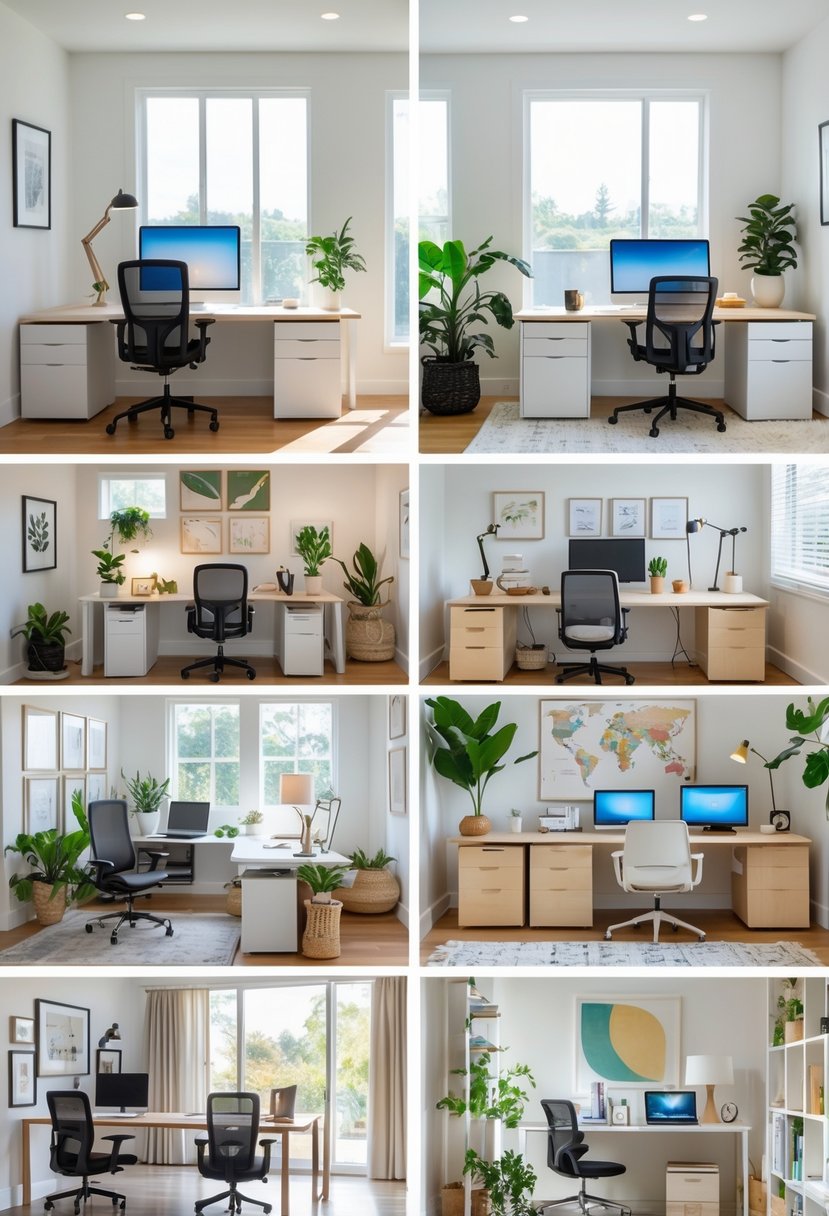
It walks through solutions for small rooms and large areas alike, from clever storage and better lighting to ergonomic furniture and tidy tech. Use these tips to shape a workspace that supports productive days and feels right for your routine.
1) Utilize an attic corner for a quiet, inspiring workspace
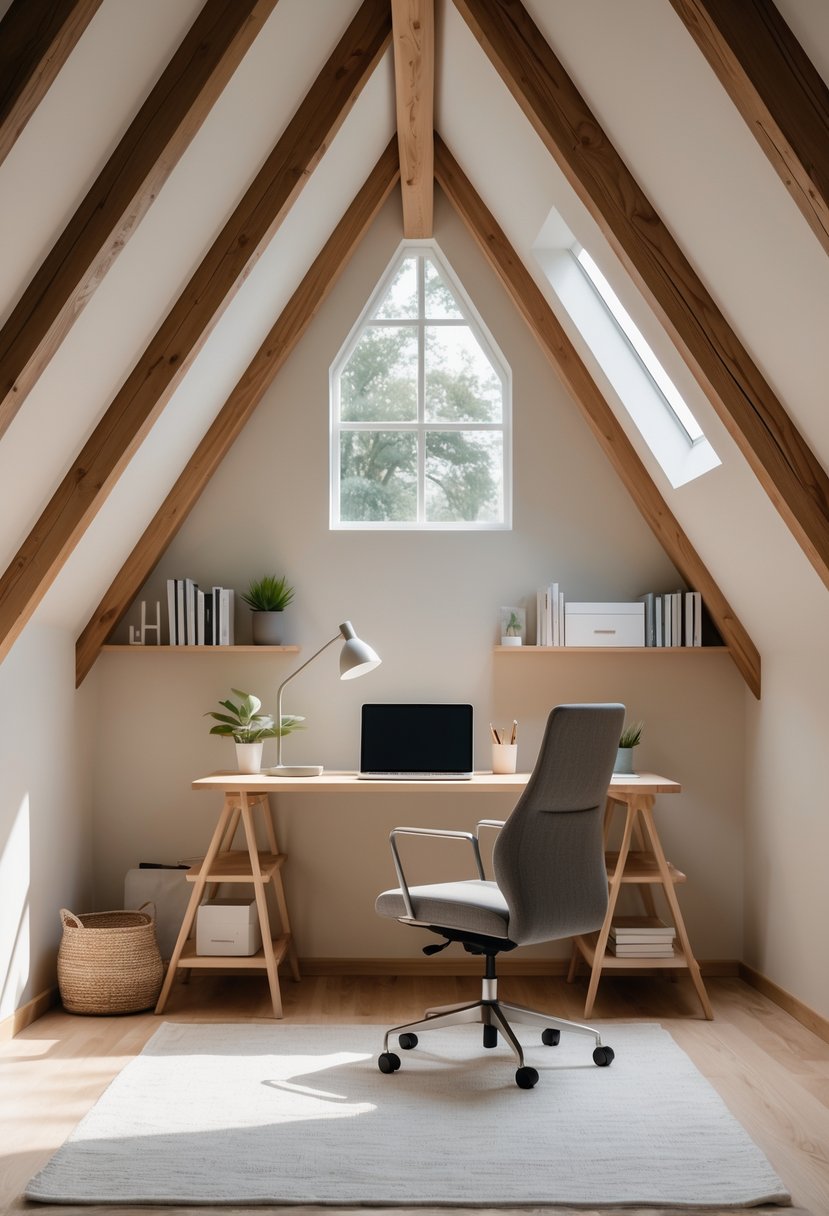
They can turn an unused attic corner into a calm, private office that limits distractions. Natural light from a skylight or small window brightens the area and helps focus.
Keep the layout simple: a compact desk, comfortable chair, and wall shelves save floor space. Insulate and ventilate the attic so it stays comfortable year-round.
2) Install floating shelves for efficient storage and display
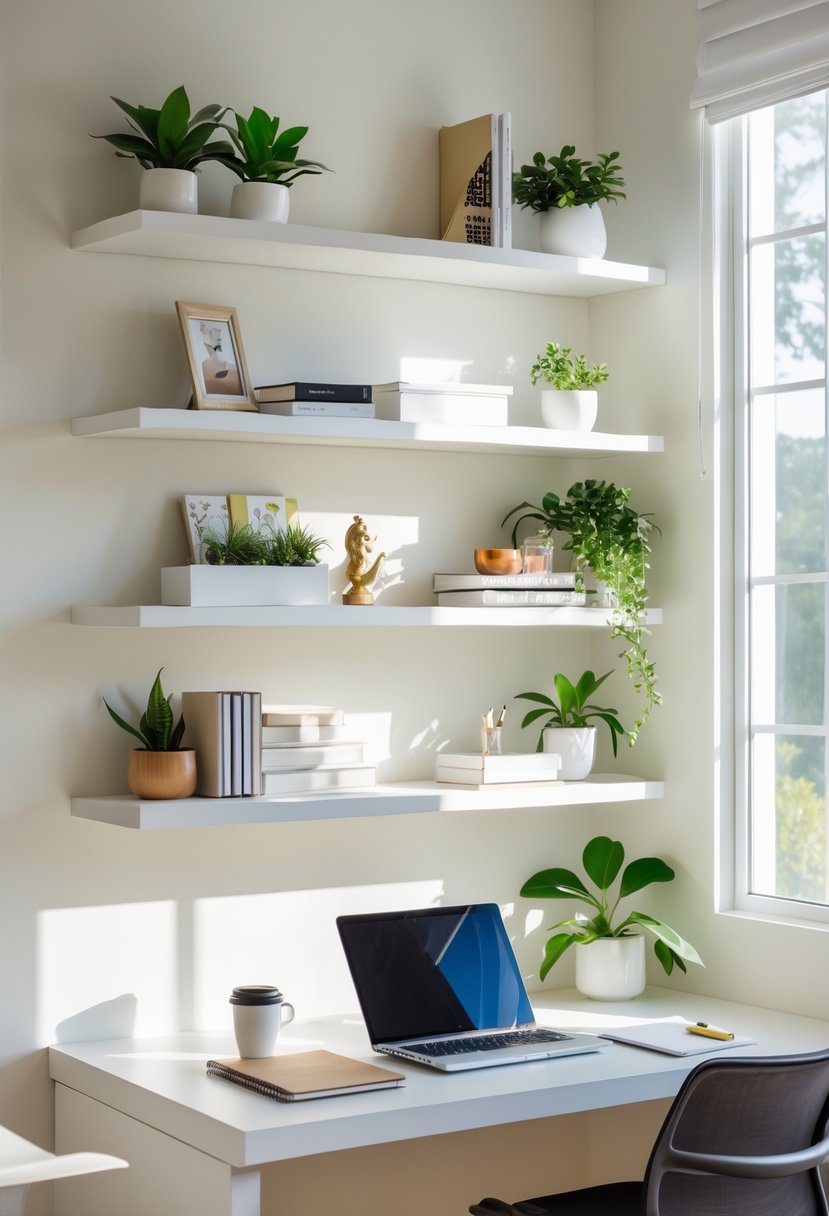
They add storage without taking floor space, so a small office feels larger. Floating shelves hold books, boxes, and a few decorative items for a tidy look.
He or she can mix heights to fit binders and plants. Installing a few near the desk keeps supplies within reach and frees up workspace.
Choose sturdy materials and proper anchors for heavy items. Proper placement balances function and a clean, professional aesthetic.
3) Incorporate a standing desk to promote better posture
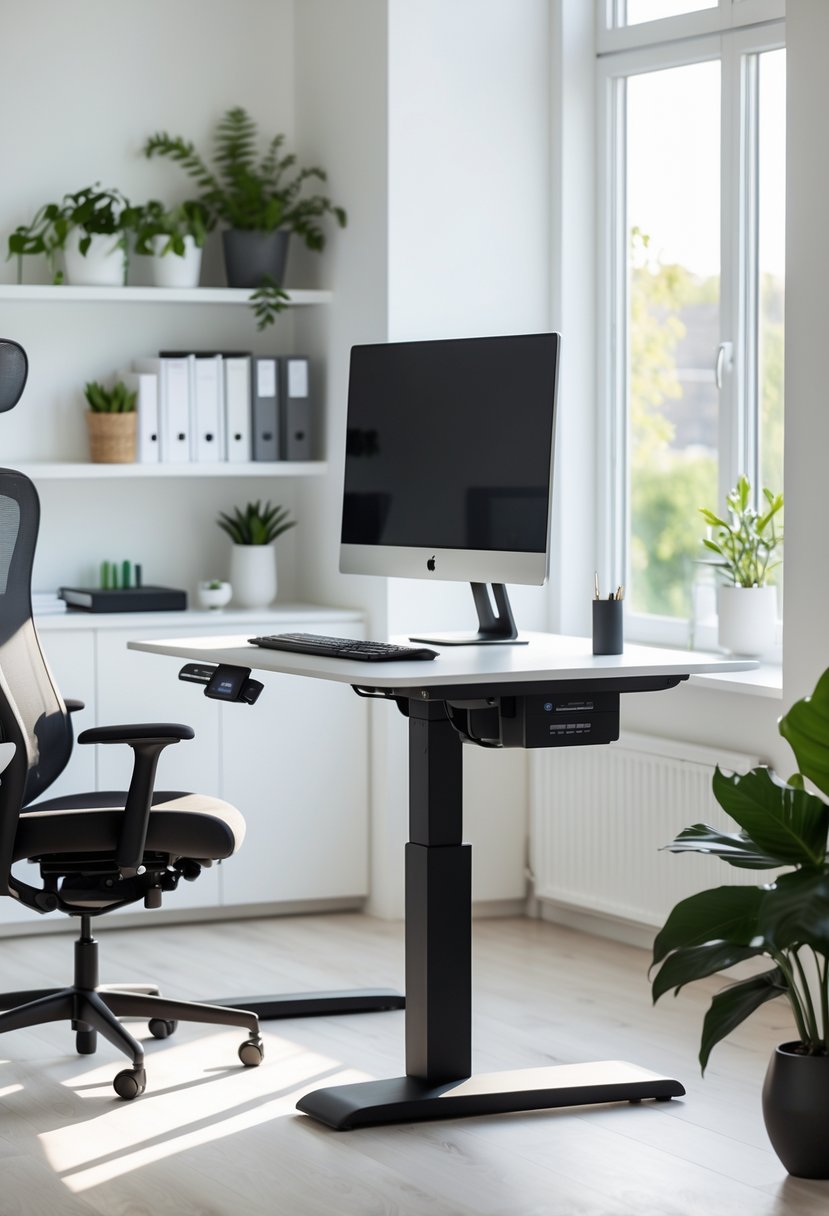
They should choose a height-adjustable desk to switch between sitting and standing easily. Short, regular standing breaks reduce strain on the lower back and can improve posture over time.
Add an anti-fatigue mat and a monitor at eye level to keep the spine neutral. They should balance standing with seated work and move often to avoid new discomfort.
4) Use natural light with sheer curtains to brighten the area
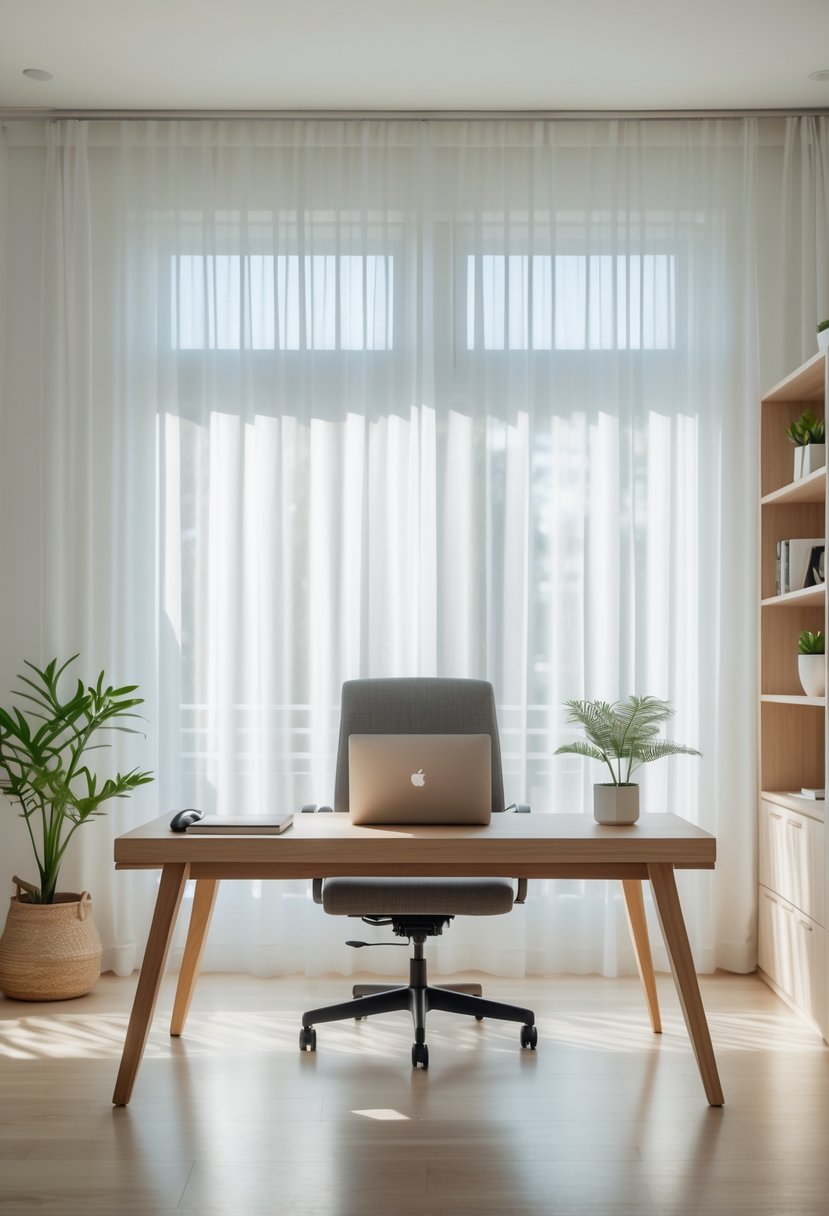
They hang sheer curtains to let sunlight diffuse softly into the office. The light feels gentle and reduces glare on screens while keeping the room bright.
Sheers keep privacy without blocking daylight. Pairing them with blinds or heavier drapes gives control for late-night work or strong sun.
Light-colored walls and clean windows help reflect more light. Mirrors or glossy surfaces can boost brightness without adding lamps.
5) Create a cloffice (closet office) for privacy in small spaces
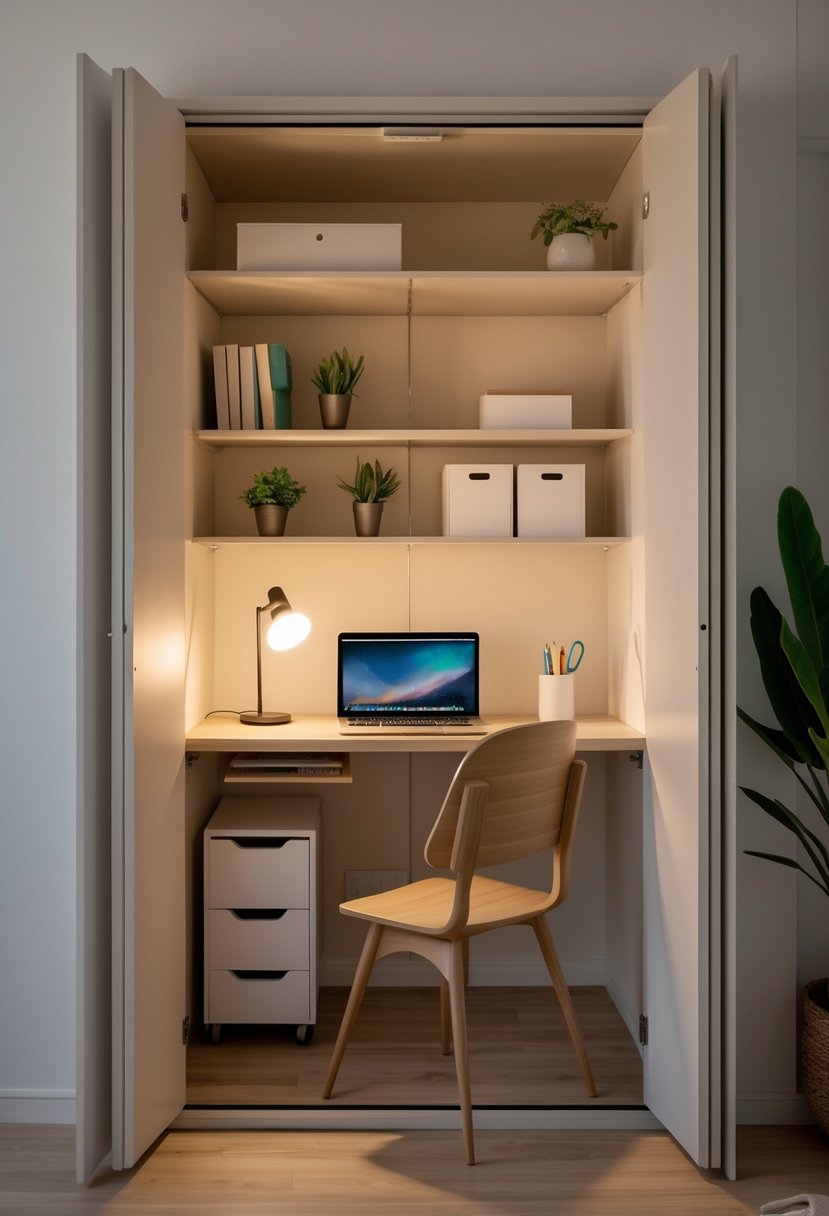
They convert a small closet or nook into a focused workspace that fits where a full room won’t. A cloffice gives privacy and reduces household noise for calls and deep work.
Keep the layout simple: a slim desk or floating shelf, task lighting, and vertical storage. Good lighting and a comfortable chair make the space usable for hours.
They work well in apartments and homes with limited rooms. This option uses existing space without major renovation.
6) Choose ergonomic chairs to ensure comfort during long hours
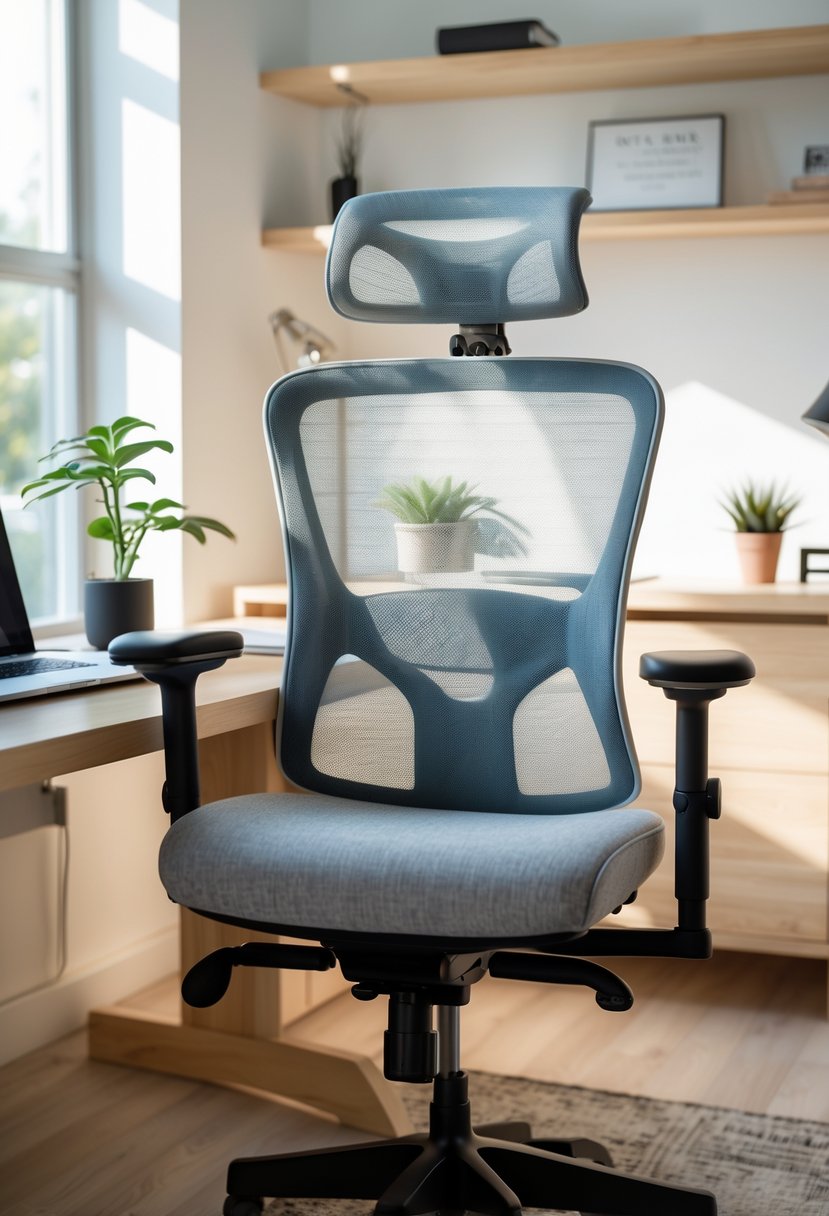
They should pick a chair with good lumbar support to keep the lower back aligned. Adjustable height and armrests let them match the chair to their desk and body.
A breathable seat and a stable base reduce fatigue over long shifts. They should test chairs when possible and choose one built for daily use.
7) Opt for minimalist decor to reduce distractions
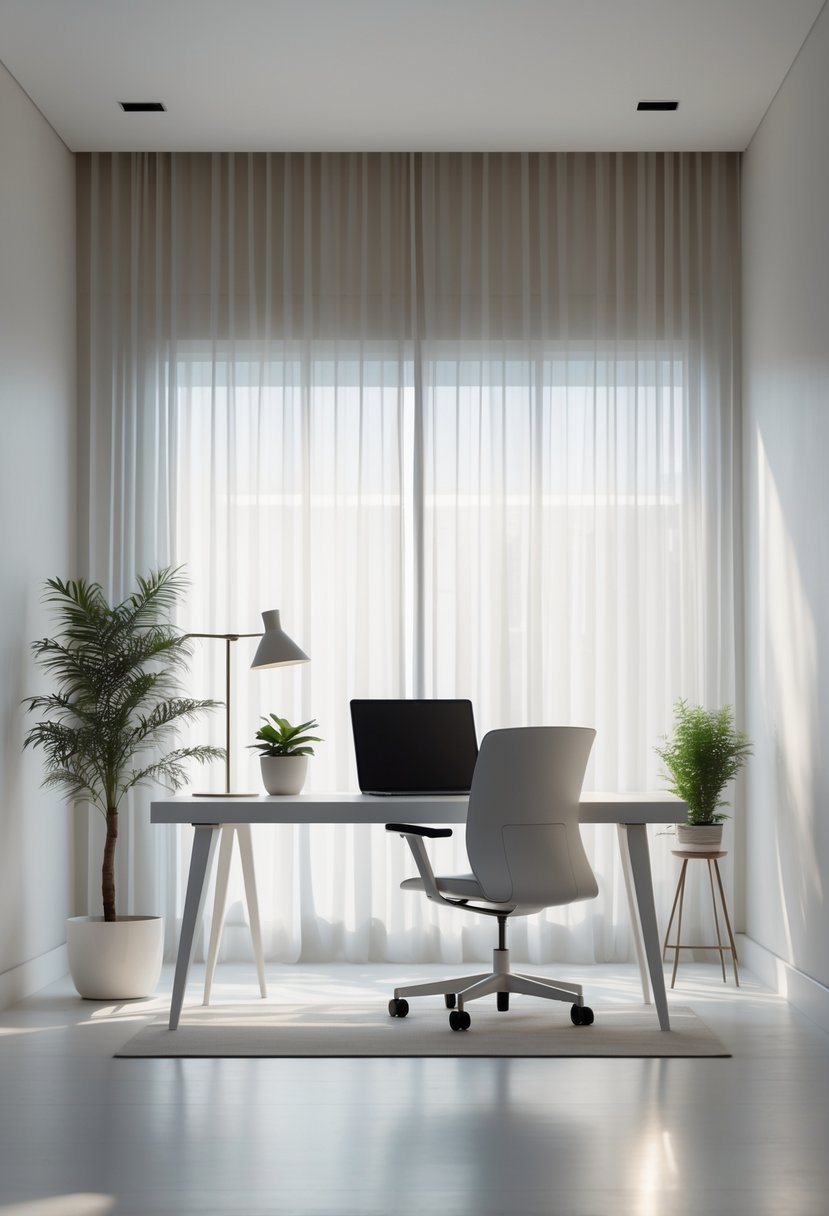
They choose simple furniture and a neutral palette to keep the room calm. Fewer objects on surfaces help them focus on work, not clutter.
They use hidden storage and one or two meaningful items to keep the space personal yet tidy. Good lighting and clear sightlines make the room feel larger and less busy.
They avoid extra patterns and bright colors that pull attention away from tasks. A minimalist setup supports steady concentration and easier daily upkeep.
8) Add plants to improve air quality and mood
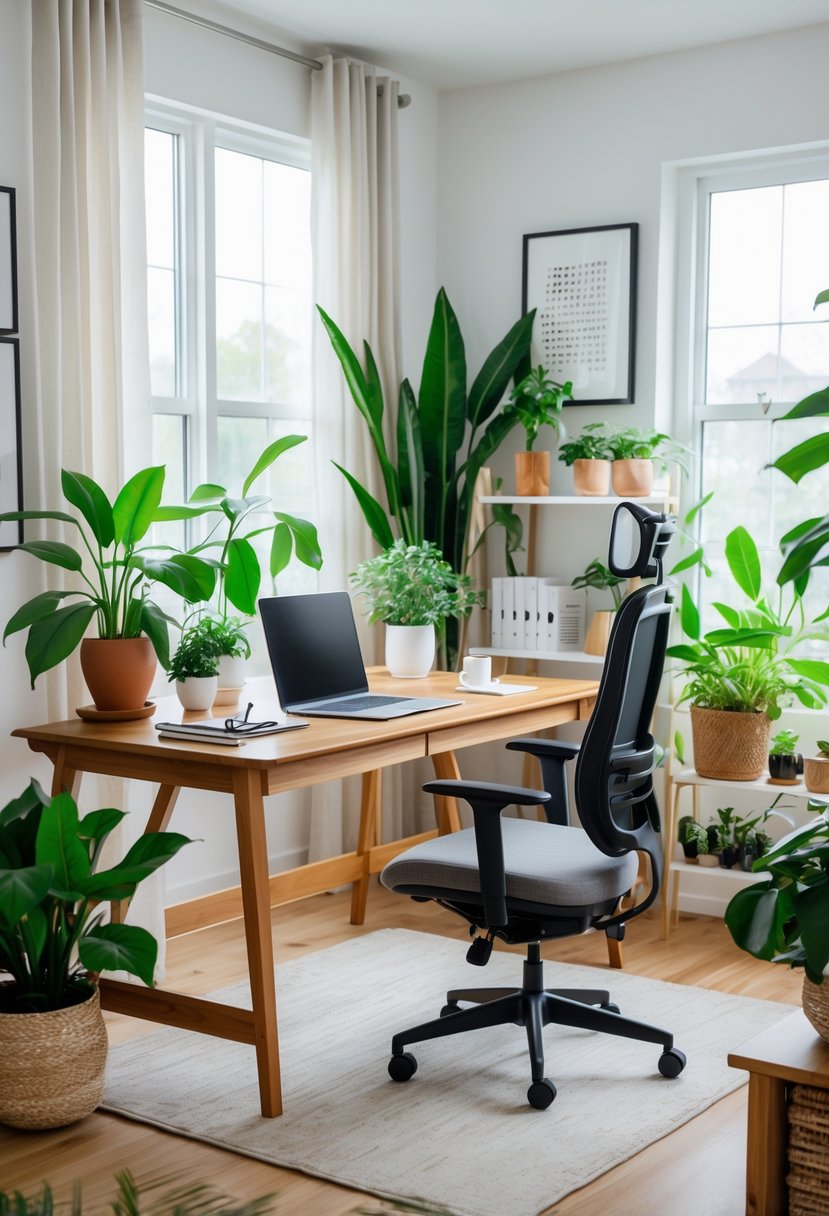
They add color and soften a room while helping filter common indoor pollutants. Small succulents suit desks; larger potted plants work well in corners or by windows.
Plants can reduce stress and boost focus for many people, though effects vary. Pick low-maintenance varieties like snake plants, pothos, or spider plants for easy care.
Rotate plants for even light and water moderately to avoid mold. He can start with one or two and add more if the space and routine allow.
9) Use cable organizers to keep wires neat and out of sight
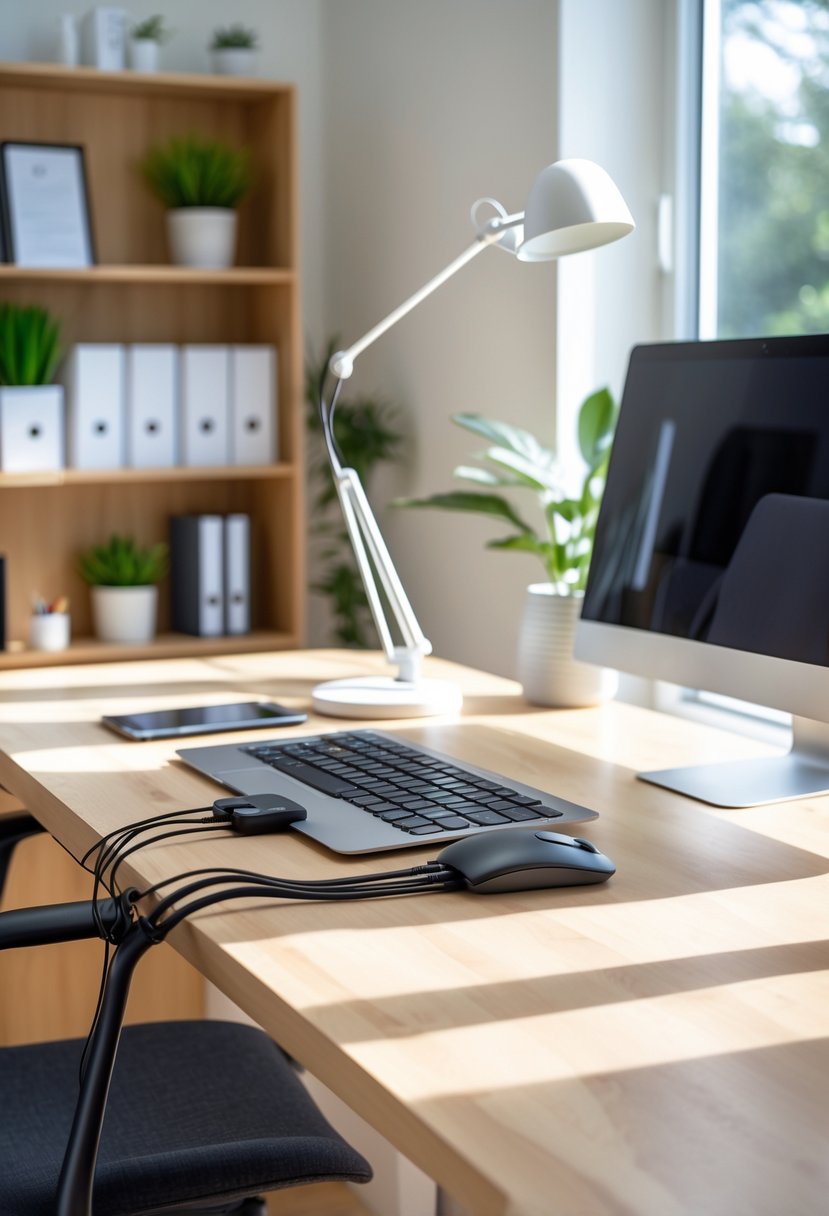
They mount under desks, on walls, or inside drawers to hide power strips and cords. This keeps the floor clear and reduces tripping hazards.
A simple fabric or plastic sleeve groups cables together and looks cleaner. Labels on each cord make unplugging and troubleshooting faster.
Over-the-door or hanging pocket organizers work for chargers and small adapters. They free up desk space and keep things within reach.
10) Apply a neutral color palette to enhance focus
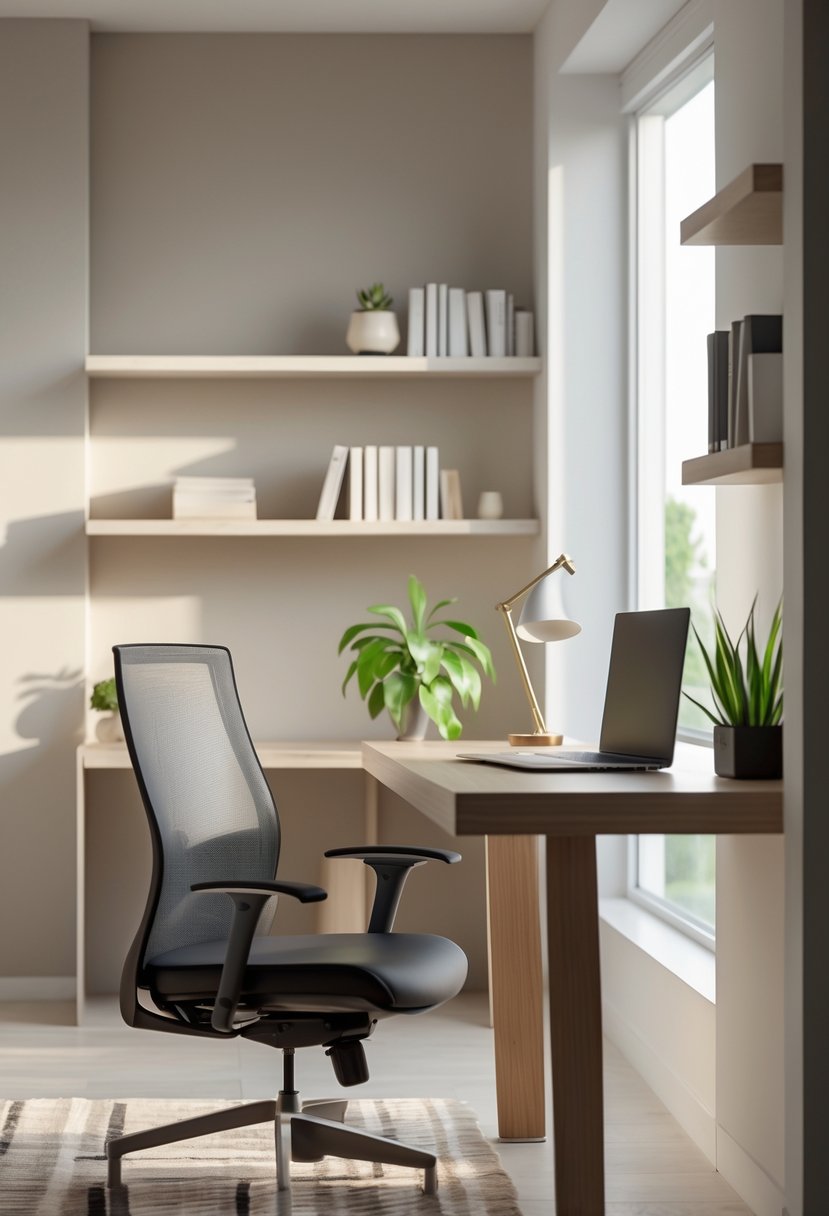
They choose soft neutrals like warm white, gray, or taupe to reduce visual clutter. These tones create a calm backdrop that helps tasks feel clearer.
They add texture with wood, woven fabrics, or matte finishes to keep the room from feeling flat. Small accents in muted colors can provide interest without drawing attention from work.
They keep contrast low and lighting balanced so the space feels steady and easy on the eyes. This approach supports concentration and a relaxed work rhythm.
Design Principles for Effective Home Offices
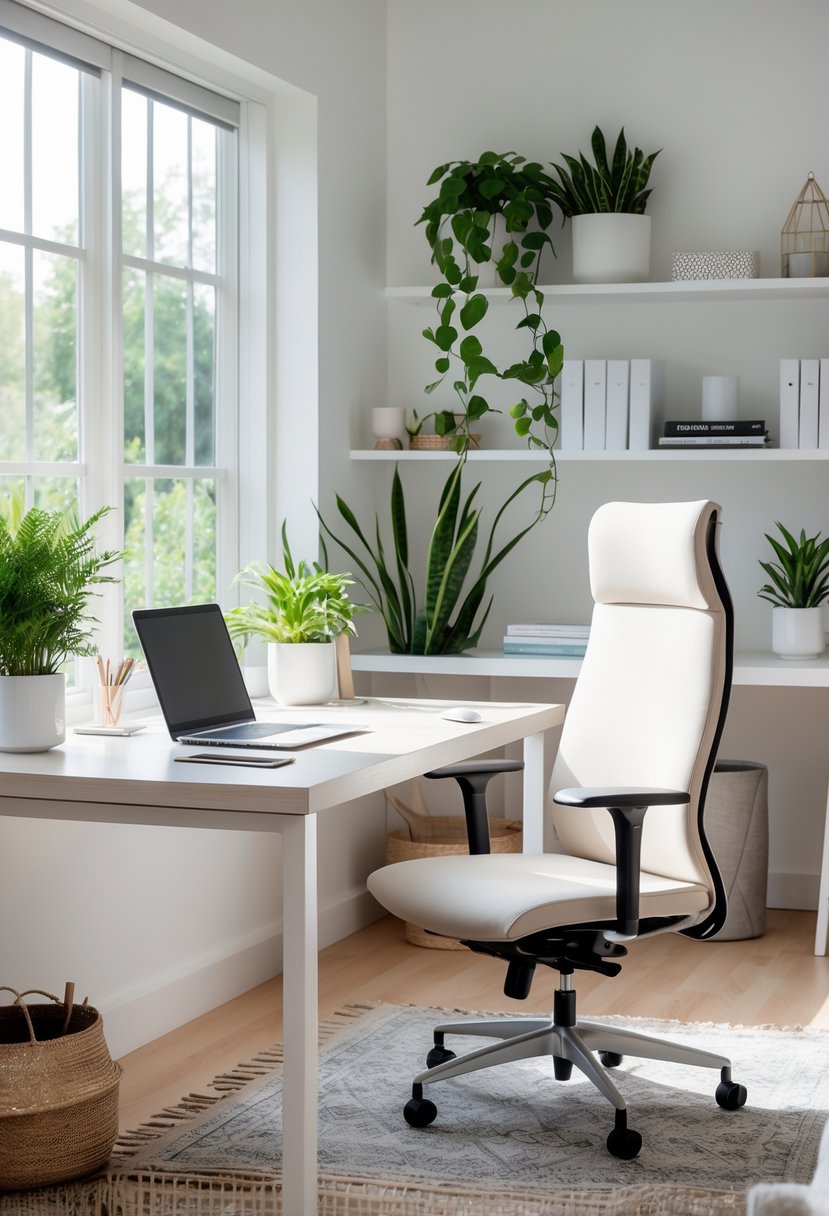
Good light, a calm palette, and furniture that fits the body and the work make a room feel usable all day. Each element below shows how to boost comfort, reduce fatigue, and keep the space tidy and focused.
Maximizing Natural Light
Place the desk within 3–6 feet of a window to get steady daylight without glare on screens. If the window faces the sun during work hours, mount adjustable blinds or a sheer curtain to diffuse direct rays.
Angle the monitor perpendicular to the window to avoid reflections. Use a matte screen filter if reflections persist.
Add reflective surfaces sparingly: a light-colored rug, a white desk surface, or a mirror on a side wall can bounce light deeper into the room. Keep windows clean and remove heavy drapes that block light.
For north-facing rooms with weak daylight, add layered artificial light (task lamp plus overhead) to mimic natural brightness without harsh shadows.
Choosing the Right Color Scheme
Start with a neutral base: pale gray, warm white, or soft beige create a calm backdrop that reduces visual fatigue. Paint one accent wall in a muted color—sage green, dusty blue, or warm terracotta—to support focus without distraction.
Choose low-sheen paint to cut reflections from strong light.
Match textiles and storage to the palette for a cohesive look. Use contrast in small doses: a darker shelf, a black lamp, or a bold cushion draws the eye without overwhelming.
Keep color choices tied to function—cool tones for analytical tasks, warmer tones for creative work—and test swatches on the wall at different times of day.
Incorporating Ergonomic Furniture
Select a chair with adjustable seat height, lumbar support, and armrests that allow elbows to rest at 90 degrees. The top of the monitor should sit at or slightly below eye level, about an arm’s length away, to keep the neck neutral.
Use an adjustable desk or a sit-stand converter to alternate positions every 30–60 minutes.
Choose a keyboard and mouse that keep wrists straight; a small wrist rest can help. If space is tight, mount a slim keyboard tray under the desk to create proper elbow clearance.
Measure before buying: legs should fit under the desk, and the chair should roll freely on the floor surface.
Technology Upgrades for Modern Workspaces
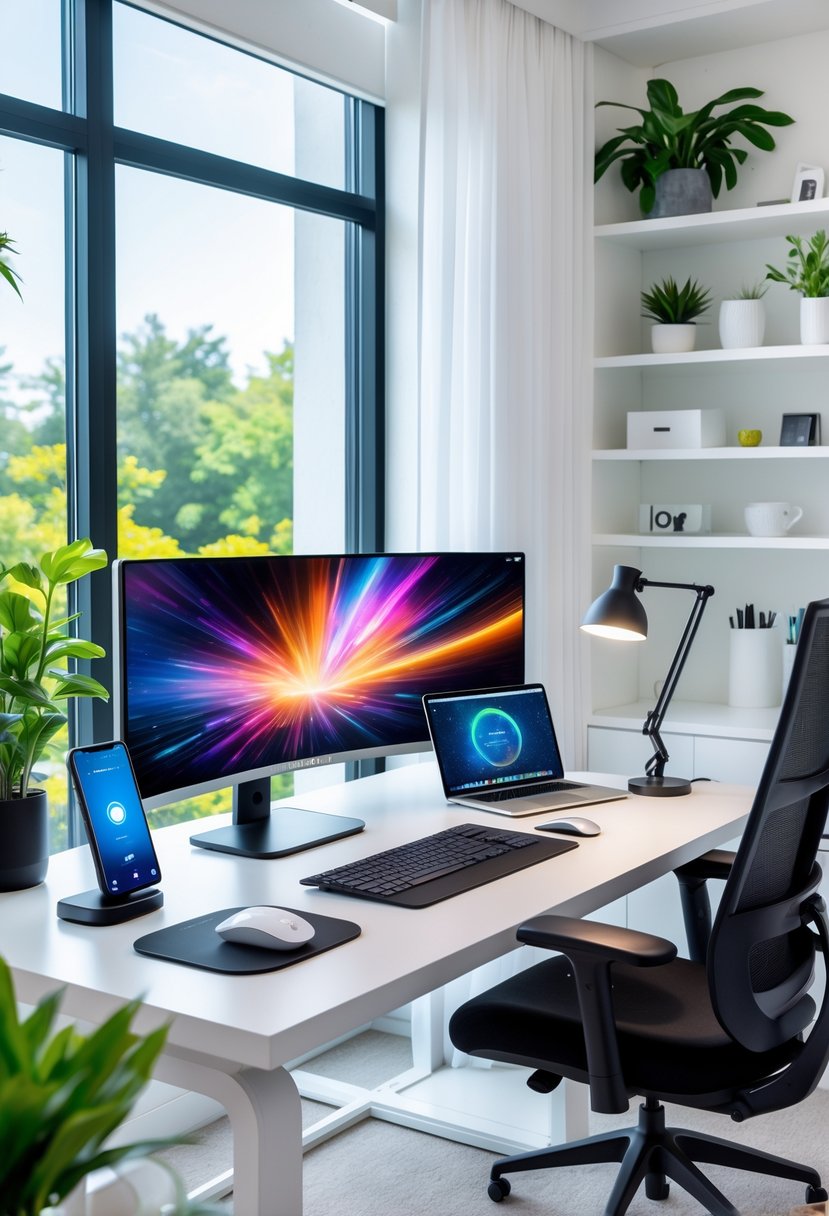
This section lists practical tech choices that improve speed, reliability, and desk order. It focuses on devices that cut downtime, simplify connections, and keep cables out of sight.
Essential Connectivity Tools
A fast router with dual-band Wi‑Fi 6 or Wi‑Fi 6E keeps video calls and cloud backups smooth. Choose a model with at least one multi-gig Ethernet port if large file transfers are common. Mesh systems help when the office sits far from the main router; place a satellite in the room to avoid dropouts.
A wired Ethernet connection offers the most stable link for streaming, large uploads, and remote desktop work. Use a Cat6a cable for 10 Gbps headroom. Add a small gigabit switch when multiple wired devices need to share one wall port.
A USB-C dock or Thunderbolt 4 hub reduces dongles and powers a laptop while driving multiple monitors. Look for docks with at least two display outputs, PD charging at 60–100W, and extra USB-A ports for peripherals. Keep one high-quality headset or speakerphone for clear audio on calls.
Cable Management Solutions
Start with a cable tray or under-desk raceway to lift power bricks and bundles off the floor. Secure it under the desk with screws or strong adhesive strips so cables stay tucked away and easy to access.
Use labeled, short patch cables to avoid excess slack. Velcro ties work best for bundles because they are reusable and gentle on wires. Group power cables separately from data cables to reduce interference and keep things tidy.
For desk-level organization, add a grommet or cable hole near the monitor stand to route charging cables neatly. Employ a small power strip with surge protection mounted under the desk; choose one with spaced outlets for bulky adapters.
Frequently Asked Questions
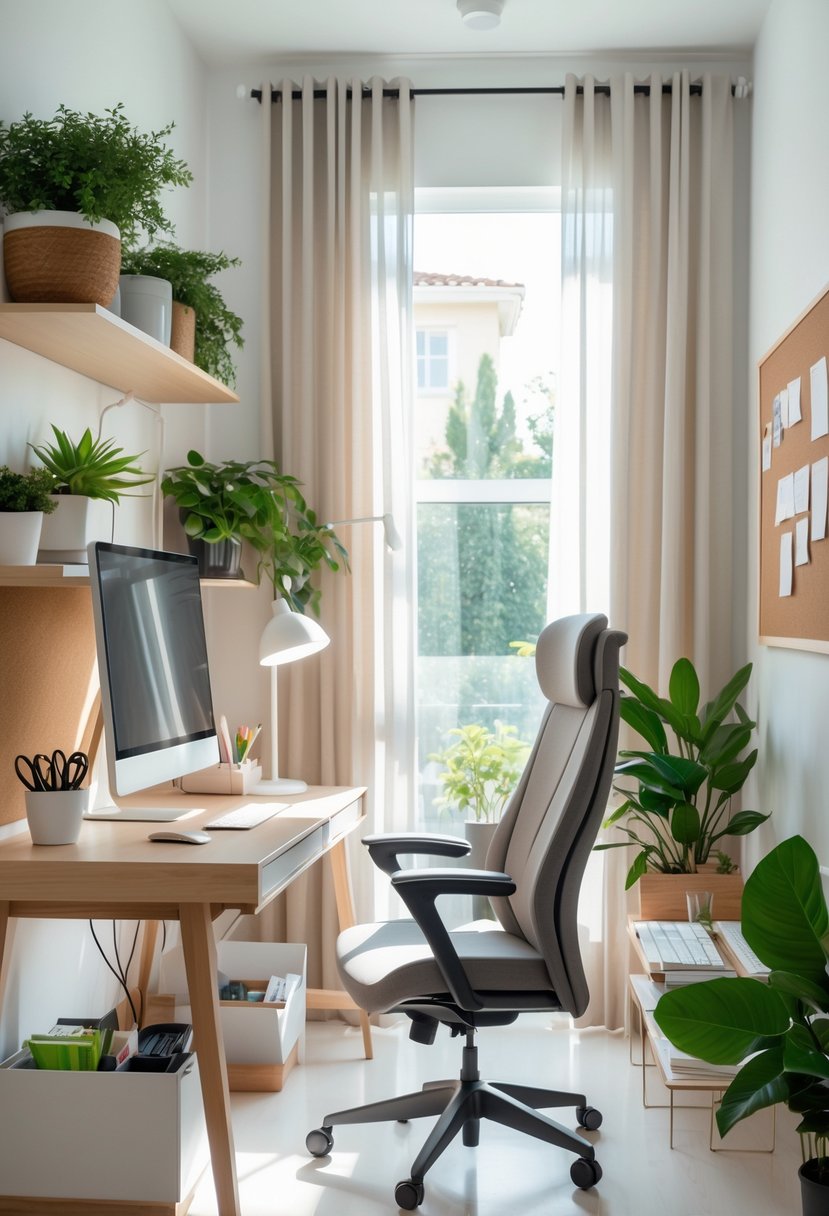
This section gives clear, practical answers on saving space, improving comfort, cutting noise, choosing lighting, adding plants, and picking storage. It pulls specific, usable ideas like attic workspaces, floating shelves, standing desks, sheer curtains, and cloffices.
What are some space-saving desk solutions for small home offices?
A wall-mounted fold-down desk frees floor space and can tuck into a hallway or cloffice.
Floating desks and narrow console tables fit an attic corner or tiny wall without crowding the room.
Corner desks make use of unused angles. Choose a slim-profile standing desk to combine work surface with posture benefits.
How can I create an ergonomic workspace at home?
Position the monitor so the top of the screen sits at eye level and an arm’s length away.
Use an adjustable chair with lumbar support and set feet flat on the floor or a footrest.
Alternate between sitting and standing with a height-adjustable desk to reduce strain over long work sessions.
What are effective ways to reduce noise and distractions in a home office?
Place the workspace in a quieter zone, such as an attic corner or converted closet, to limit household traffic.
Add soft materials—rugs, curtains, and upholstered chairs—to absorb sound.
Use a white-noise machine or noise-cancelling headphones for focused work during noisy periods.
What lighting options are best for a productive home office environment?
Maximize natural light with sheer curtains to reduce glare while keeping the room bright.
Combine a daylight-balanced overhead fixture with an adjustable desk lamp for task lighting.
Avoid screens facing direct windows; place the desk perpendicular to the window to cut reflections.
How can I incorporate plants into my home office design?
Add a low-maintenance potted plant like snake plant or pothos on a floating shelf to save desk space.
Use a small hanging planter if the floor is limited, or place a compact plant on a corner of the standing desk.
Rotate plants occasionally for even light exposure and water according to each species’ needs.
What storage solutions are both functional and stylish for a home office?
Install floating shelves above the desk for books, files, and decorative boxes that keep the desktop clear.
Use vertical file cabinets or slim rolling drawers under the desk for paperwork without taking up room.
Combine closed cabinets with open displays to hide clutter while showing curated items that personalize the attic or cloffice workspace.