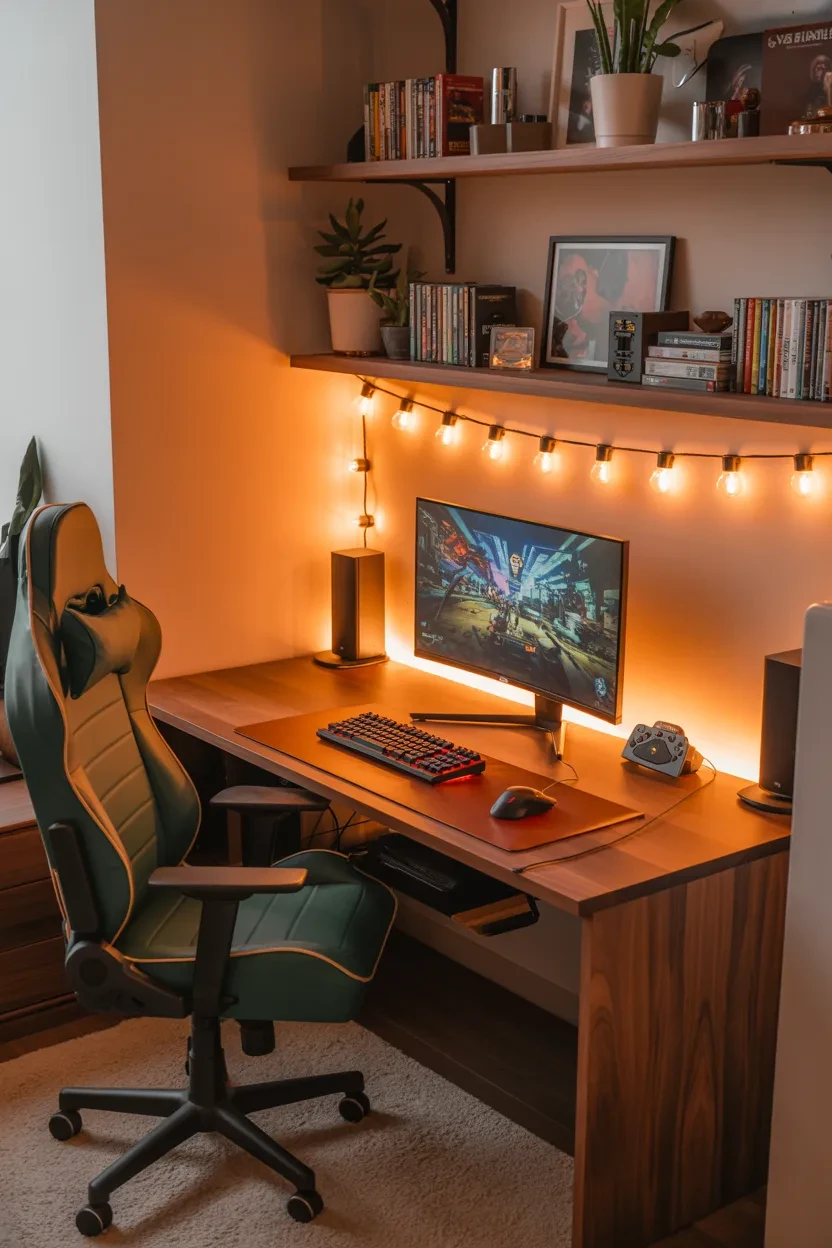
10 Gaming Desk Design Ideas That Make RGB Setups Feel Underdeveloped
This article was created in line with Trends Oraa’s research and content standards.
Let’s be honest for a second. A lot of gaming setups look cool at first glance, but after about ten seconds, it’s just the same RGB strips, glowing fans, and color-shifting keyboard combo all over again. It is not that RGB is bad. It is just that when every setup leans on the same trick, it starts to feel a little… unfinished.
I have spent way too much time looking at gaming setups online, rearranging desk layouts, and testing what actually makes a space feel immersive. And here’s what I’ve learned: the best setups do not rely on lights alone. They use smart desk design, layered textures, good proportions, and purpose-driven details to create a space that feels complete.
So if you have been hunting for Gaming Desk Design Ideas that go beyond the usual glowing rainbow look, you are in the right place. These ideas are built to make your setup feel more premium, more personal, and way more memorable. Ready to level up your space?
1. Go for a Floating Desk Look
A floating desk setup instantly makes your gaming space look cleaner and more intentional. Why? Because it removes visual clutter from the floor and gives the whole area a sleek, modern vibe. It feels less like “I bought a desk and added lights” and more like “I designed this whole corner on purpose.”
Why floating desks work so well
A floating desk creates a sense of openness. That matters a lot if your room is small or if your setup already has multiple monitors, speakers, or accessories competing for attention. It also makes cable management much easier to hide.
Here is what makes a floating desk design hit harder:
- Wall-mounted tabletop
- Hidden cable channels
- Under-desk LED lighting used sparingly
- Minimal support brackets for a clean silhouette
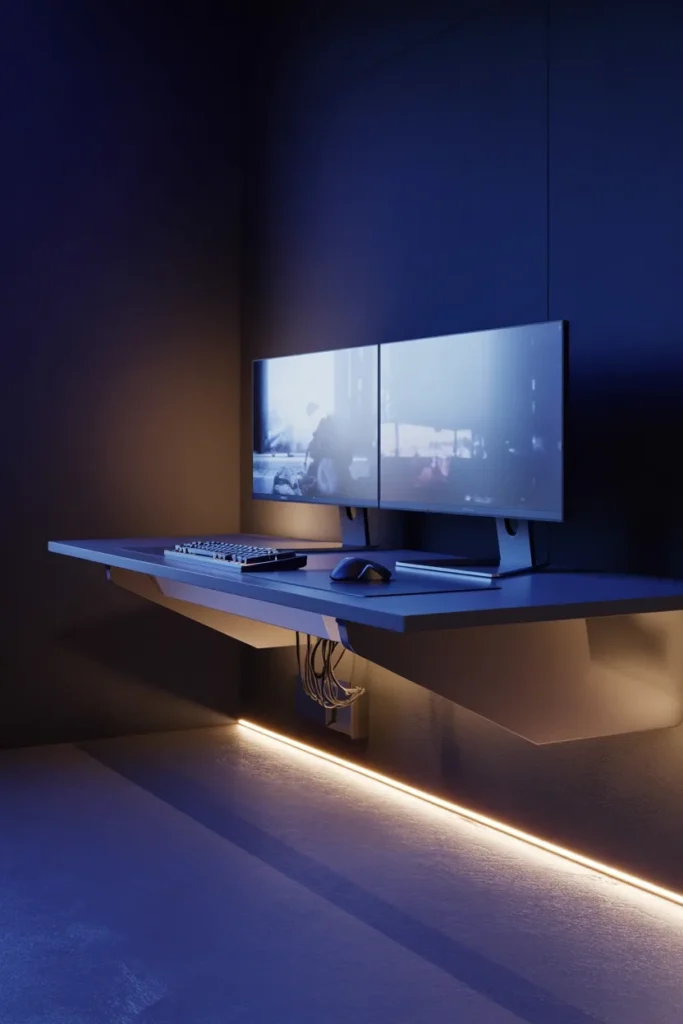
The result? A setup that feels futuristic without trying too hard. IMO, this is one of the strongest Gaming Desk Design Ideas if you want a room that looks polished even when the PC is turned off.
2. Use Wood and Matte Black for a Warmer, Richer Setup
RGB can feel cold when it is the only design feature in the room. That is where materials come in. Pairing a wood desktop with matte black accessories adds warmth, texture, and contrast that plain LED-heavy setups usually miss.
The magic of material contrast
Think about it. A walnut or oak desk surface instantly brings personality to the space. Then you add a black monitor arm, black desk mat, and black speakers, and suddenly the whole setup feels grounded. Not flashy. Not chaotic. Just solid.
This combo works especially well because it balances tech with comfort. Your setup should feel like a place you want to spend hours in, right? Not like a spaceship waiting room.
Best pairings for this style
- Light oak + black peripherals for a Scandinavian feel
- Dark walnut + charcoal accents for a luxury vibe
- Reclaimed wood + metal frame for an industrial gaming look
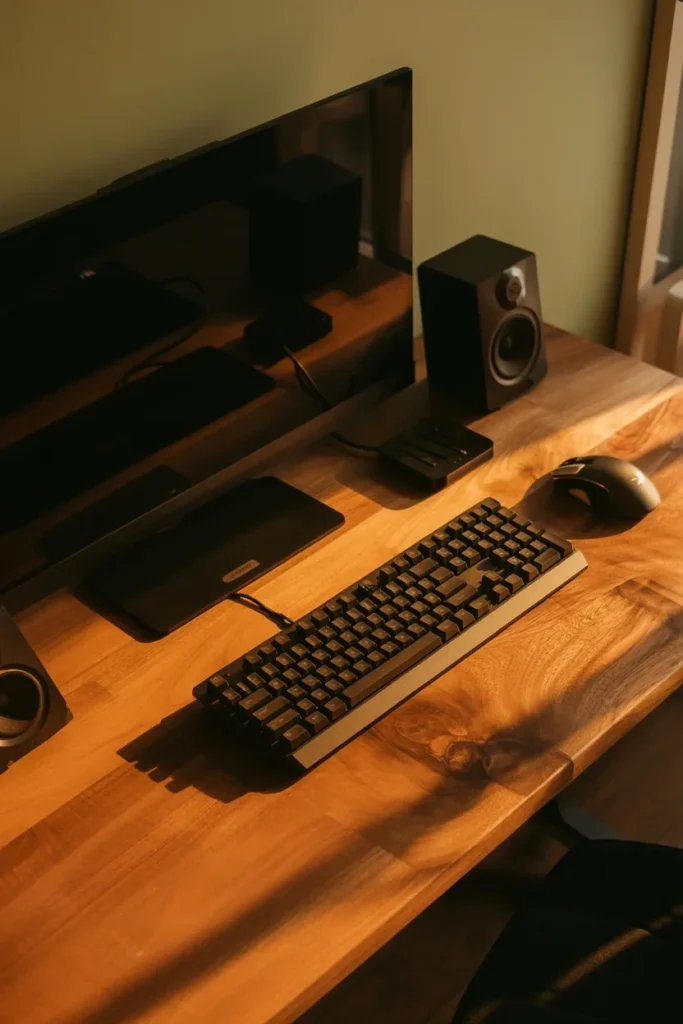
If your current setup feels too sterile, this design move can completely change the atmosphere.
3. Build Around a Corner Desk for Maximum Immersion
A straight desk is fine. But a corner desk? That can turn your setup into a full command center. It wraps around you, gives you more usable surface area, and creates a more immersive environment for gaming, streaming, or multitasking.
Why corner desks outperform standard layouts
With a corner layout, you can separate zones without needing another table. One side can be your gaming station. The other side can hold your console, accessories, work gear, or décor. That kind of layout makes the setup feel more thought-out and less cramped.
You also get practical benefits:
- More desktop space
- Better monitor positioning
- Dedicated zones for gear
- Improved room corner usage
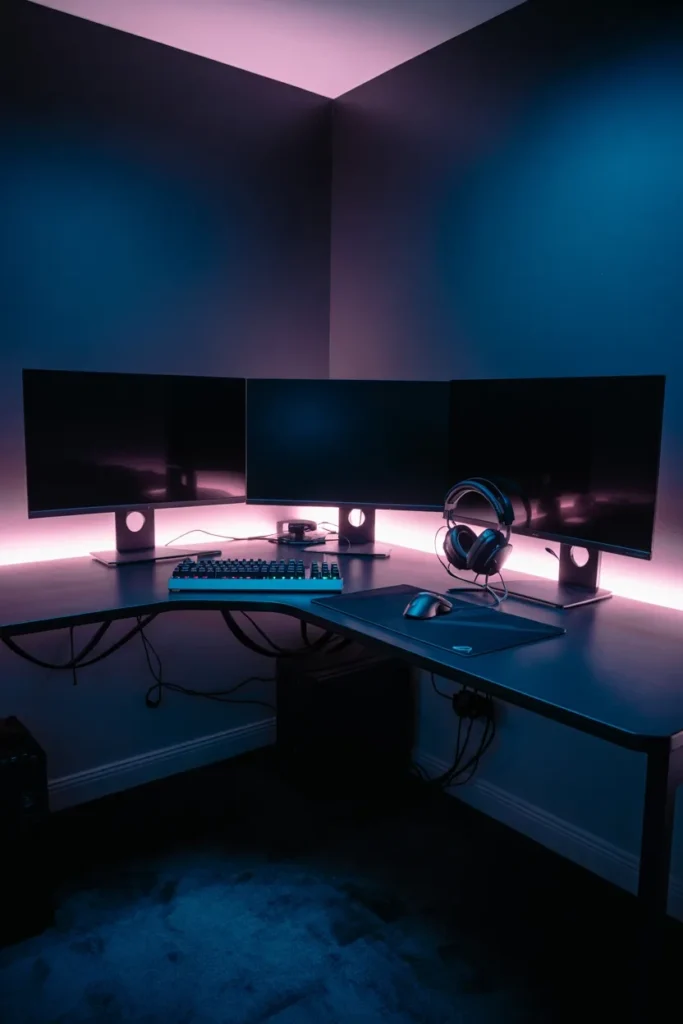
And let’s be real, there is something undeniably cool about sitting in a setup that wraps around you. It feels serious in the best way.
4. Add Vertical Layers Instead of Just Horizontal Gear
A lot of people keep adding stuff across the desk surface until it looks overloaded. A better move? Design upward. Vertical layers can make your setup look dynamic and complete without sacrificing desk space.
Easy ways to build vertical interest
You do not need a full custom wall build to pull this off. You just need a few strategic features that guide the eye upward and create depth.
Great vertical design elements include:
- Monitor risers
- Wall shelves
- Pegboards for accessories
- Acoustic panels
- Mounted lighting bars
- Framed gaming art
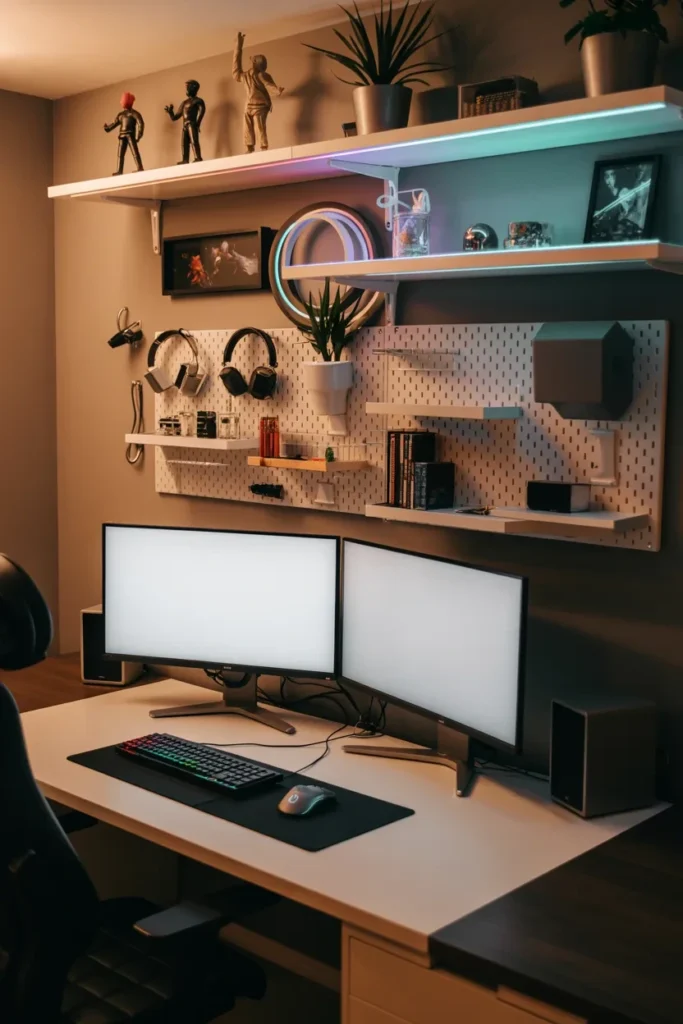
This is one of those Gaming Desk Design Ideas that instantly makes a setup look more “finished.” Why settle for one flat visual line when you can create levels and dimension?
Keep the layering intentional
Do not stack random items just because you can. Use vertical space to support your theme. If your setup is minimalist, keep shelves simple. If it is more expressive, show off collectibles or themed décor. The trick is balance.
5. Create a Monochrome Theme with One Accent Color
RGB setups often try to do too much at once. Red, blue, green, purple, rainbow wave, all happening together. It can look exciting for a minute, but it rarely looks refined. A better approach is to lock your setup into a monochrome base and introduce one accent color.
Why this feels more premium
When you control the palette, everything feels more cohesive. Your desk, chair, accessories, wall art, and lighting start to work together instead of fighting for attention. That is how you make a setup memorable.
Popular combinations include:
- Black and white with icy blue accents
- All-black with amber lighting
- Gray tones with deep red highlights
- White setup with soft purple details
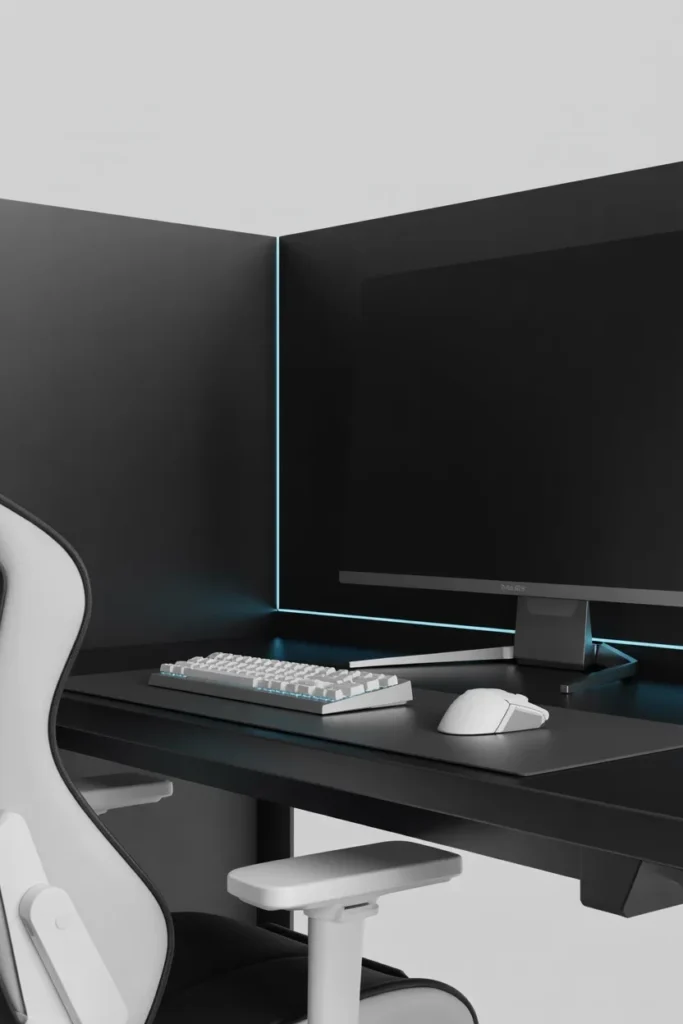
FYI, this does not mean removing lighting altogether. It just means using it with intention. One accent color can often make a bigger impact than a full RGB cycle.
6. Use Built-In Storage to Eliminate Visual Noise
Nothing breaks the look of a gaming setup faster than clutter. Extra cables, controllers, handheld devices, chargers, notebooks, snack wrappers, random boxes. You know the type. Even an expensive setup can look messy if the storage situation is weak.
Hidden storage changes everything
A desk with drawers, side cabinets, or under-desk storage keeps your setup looking clean while still being functional. That is the sweet spot. You want easy access to your gear, but you do not want every single item on display all the time.
Useful storage features include:
- Soft-close drawers for accessories
- Controller docks inside compartments
- Cable trays under the desk
- Shelves for consoles or routers
- Small bins for adapters and extras
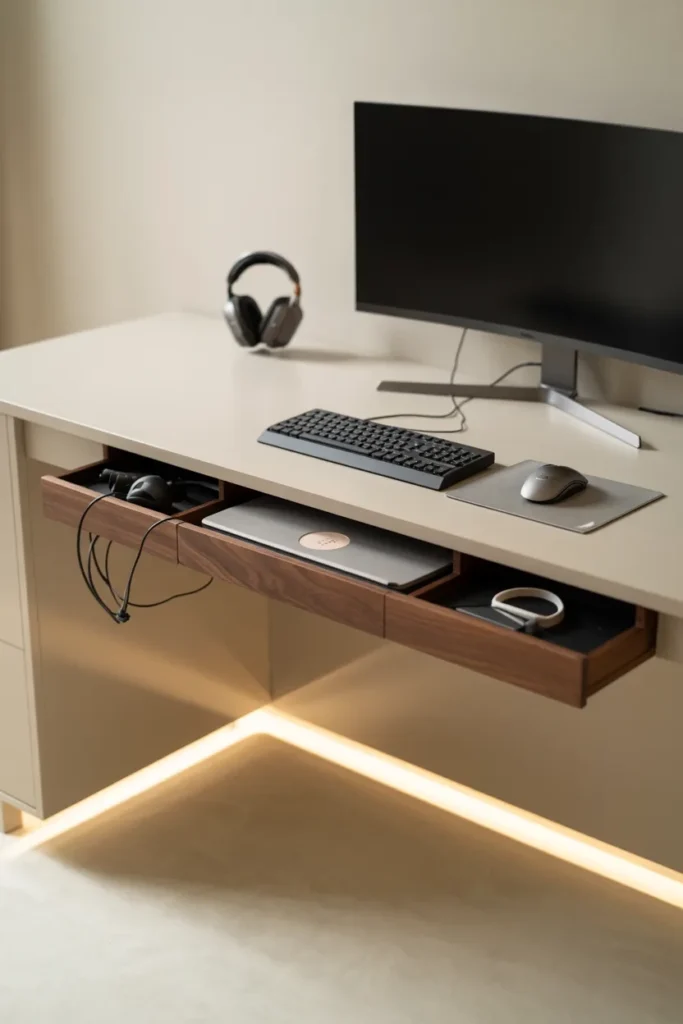
Once clutter disappears, the desk design gets room to breathe. Suddenly your monitors, speakers, and keyboard stand out more. Funny how that works, right?
7. Mix Ambient Lighting with Task Lighting
Here is where a lot of setups miss the mark. They rely on RGB alone and forget that lighting should also serve a function. A desk that looks amazing in photos but feels annoying during long sessions is not really well designed.
The difference between ambient and task lighting
Ambient lighting sets the mood. It creates atmosphere around the desk and behind the monitors. Task lighting helps you actually see what you are doing, especially if you read, write, build, or tweak hardware at your desk.
The best setups combine both. For example:
- A soft light bar behind the monitor for glow
- A focused desk lamp for practical visibility
- Warm backlighting on shelves for depth
- Bias lighting to reduce eye strain
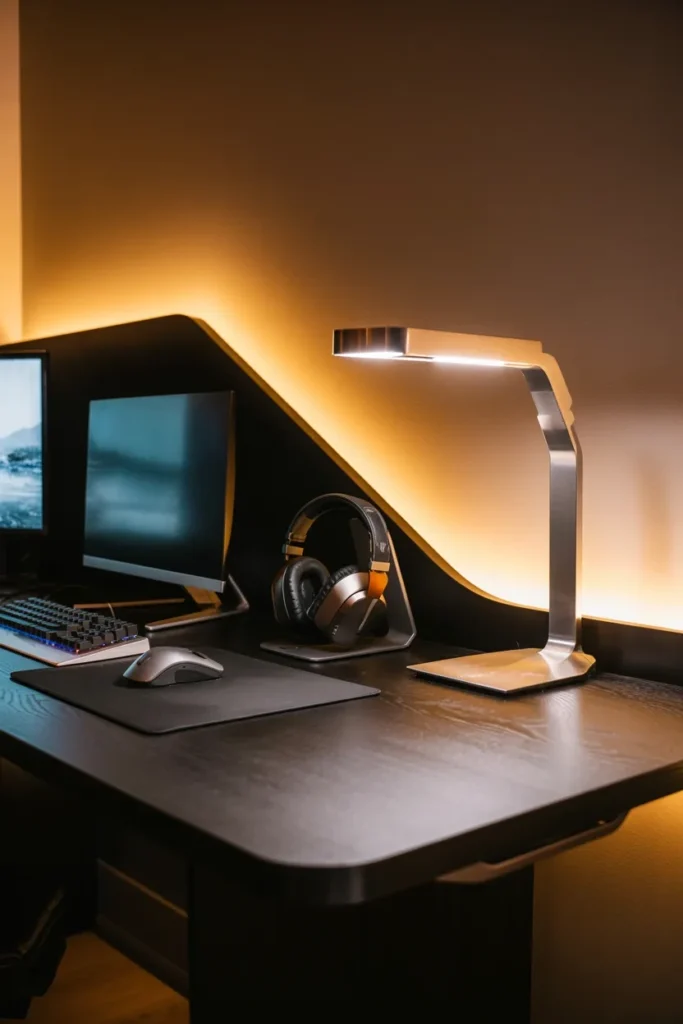
This mix makes your setup feel layered and livable. It is not just dramatic. It is comfortable too. And honestly, comfort is underrated in desk design.
8. Design a Setup Around a Signature Piece
If every part of your desk setup has equal visual weight, nothing stands out. That is why a signature piece can completely transform the design. It gives the eye somewhere to land and gives the setup its identity.
What counts as a signature piece?
It can be anything that anchors the whole space. The point is that it should feel intentional and visually strong.
Some examples:
- An oversized ultrawide monitor
- A custom wood slab desktop
- A standout gaming chair
- A sculptural desk lamp
- A themed wall panel or art piece
- A premium keyboard with a bold design
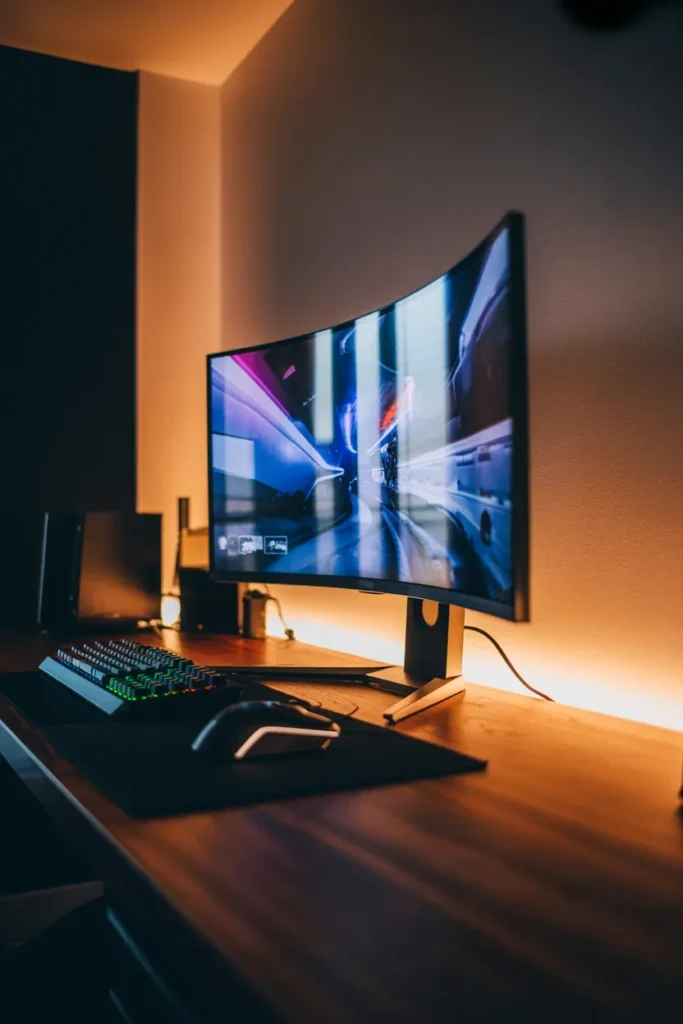
Once you choose your hero piece, let everything else support it. That does not mean making the rest boring. It just means avoiding visual competition.
This is one of the smartest Gaming Desk Design Ideas because it helps your setup feel curated instead of random.
9. Add Texture So the Setup Does Not Feel Flat
A setup can have amazing gear and still feel lifeless if every surface is smooth and cold. Texture is what gives a desk setup character. It makes the space look layered, comfortable, and real.
Simple ways to introduce texture
You do not need to overdo this. A few well-chosen materials can completely change the mood.
Try adding:
- A large desk mat with stitched edges
- Fabric acoustic panels
- A soft rug under the chair
- Wood, leather, or brushed metal accessories
- Plants for natural contrast
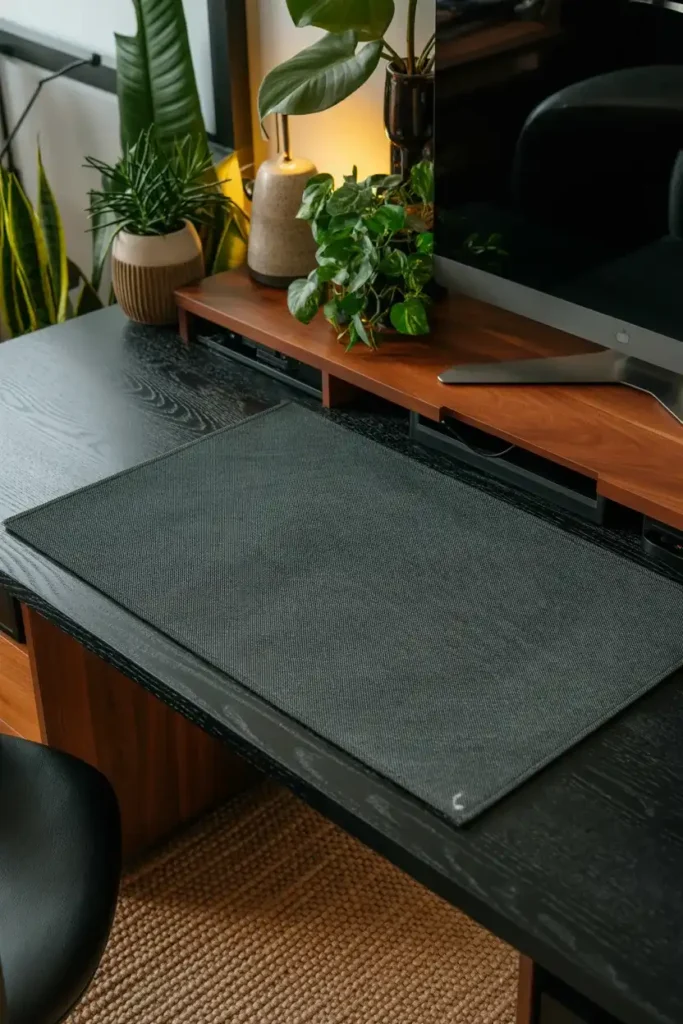
Texture is especially important if your setup has lots of black hardware. Without it, everything can blur together. With it, the space feels richer and more inviting.
And yes, plants in a gaming setup still count. Do they make everything look better? Kind of, yeah 🙂
10. Match the Desk Design to Your Gaming Style
This might be the most overlooked idea of all. Your gaming desk should reflect how you actually play and use the space. Not every desk needs to look like a pro esports station. Not every setup needs to scream streamer energy either.
Ask yourself what kind of gamer you are
Do you play competitive shooters and need clean, fast mouse movement? Do you love RPGs and want a cozy immersive corner? Do you stream, edit clips, or swap between PC and console? Your design should support those habits.
Here are a few style directions:
Competitive gamer setup
- Minimal desk clutter
- Large mousepad
- Fast-access headset stand
- Strong monitor positioning
Cozy immersive gamer setup
- Warm lighting
- Textured materials
- Surrounding shelves or wall panels
- More atmospheric décor
Hybrid creator-gamer setup
- Dual-zone layout
- Better task lighting
- Audio gear storage
- Flexible desk organization
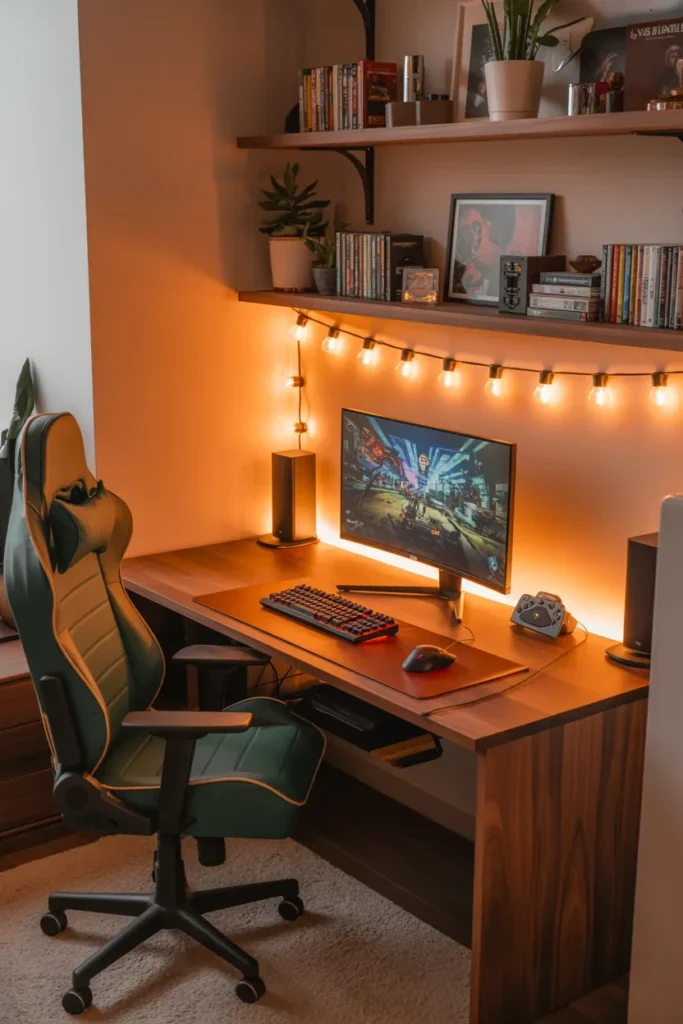
When the desk matches your real habits, the whole setup feels better. Not just prettier. Better.
What Actually Makes a Gaming Desk Feel Complete?
At the end of the day, the setups that make RGB-only designs feel underdeveloped all have one thing in common: they are intentional. They are not just collections of cool gear. They are spaces with structure, mood, comfort, and personality.
A great gaming desk setup usually includes:
- A clear layout
- Thoughtful material choices
- Smart lighting
- Hidden storage
- Vertical depth
- A cohesive color story
- At least one memorable focal point
That is the real secret. RGB can still be part of the setup. It just should not be the whole setup.
Conclusion
So, what are the best Gaming Desk Design Ideas if you want a setup that truly stands out? Start with better structure. Add warmer materials. Use storage to kill clutter. Build vertical layers. Choose lighting that works for both mood and function. Most importantly, design the space around how you actually game.
The truth is, a killer desk setup is not about throwing more lights at the problem. It is about creating a space that feels complete the second you sit down. That is when the whole room starts to hit differently.
So take a look at your current setup. Does it have style, or does it just have LEDs? Be honest. Your next upgrade might not be another RGB strip. It might just be better design.